Minecraft JavaForge 1.20.1Horror

The Broken Script Mod

A horror mod that quietly breaks an ordinary survival world: strange entities, random events, misplaced structures and a moon that looks wrong. You set how much of it is switched on.

Original illustration of a floating island of blocks with one broken block and a loose script page Forge 1.20.1 55 events listed Builds v0.71 to 1.9.3 Java Edition

What is The Broken Script Mod?

A Forge mod for Minecraft: Java Edition 1.20.1 that turns normal survival play into a slow-building horror game. Here is how the pieces fit together.

You bring

A normal survival world

Gathering, building, exploring, the usual.

Illustration of a script page beside a fractured blockThe mod adds

The Broken Script

Forge 1.20.1, Java Edition

You get
  • Entities
  • Random events
  • Strange structures
  • Corrupted visuals

12.5 MB the earliest archived build, a v0.71 beta

86 MB around the size of the 1.9 line

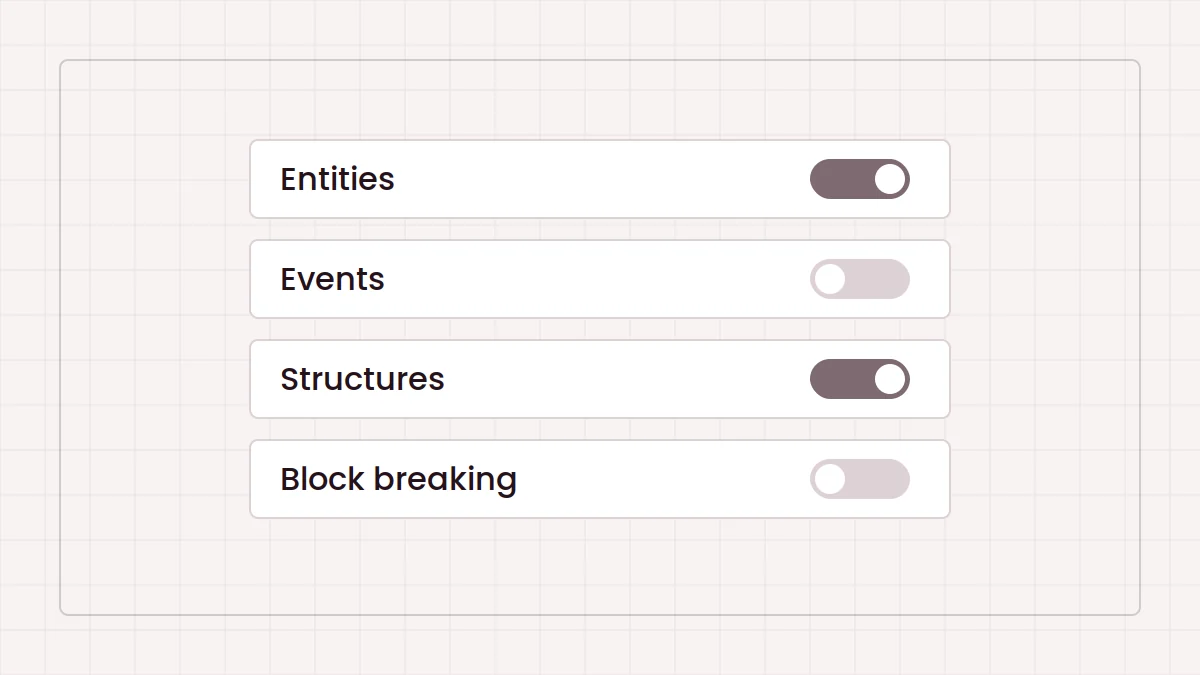
4 switches entities, events, structures, block breaking

Features

01

Entities that should not be there

The mod adds its own entities to your world. Some you see, some you only hear or notice afterwards. The config can stop them spawning if you want a calmer run, and a separate switch controls whether they can break blocks.
02

Random events

Scripted events can fire at any time. The community Patches add-on lists 55 of them and gives each its own toggle, so you can drop one event without losing the rest.

03

Structures out of place

The mod generates its own structures. Datamined files in the archive carry names like bedrock hallways, field bases and void rooms, which hints at the range without spoiling it.

04

Corrupted visuals

Familiar things stop looking right, the moon most famously. The Patches add-on even has an option to bring back the mod's older corrupted moon textures.

05

A config you control

An in-game menu covers entity spawning, events, structures and block breaking, per world. Keep one save gentle and let another run wild.

How it works

Four levels from an empty game folder to your first night with the mod.

  1. Level 1

    Set up Forge

    Install Minecraft: Java Edition 1.20.1 and Forge for that version, then launch the Forge profile once.

  2. Level 2

    Grab a build

    Download the community archive, open its index page and pick a build. Most players want 1.9.3.

  3. Level 3

    Drop in the jar

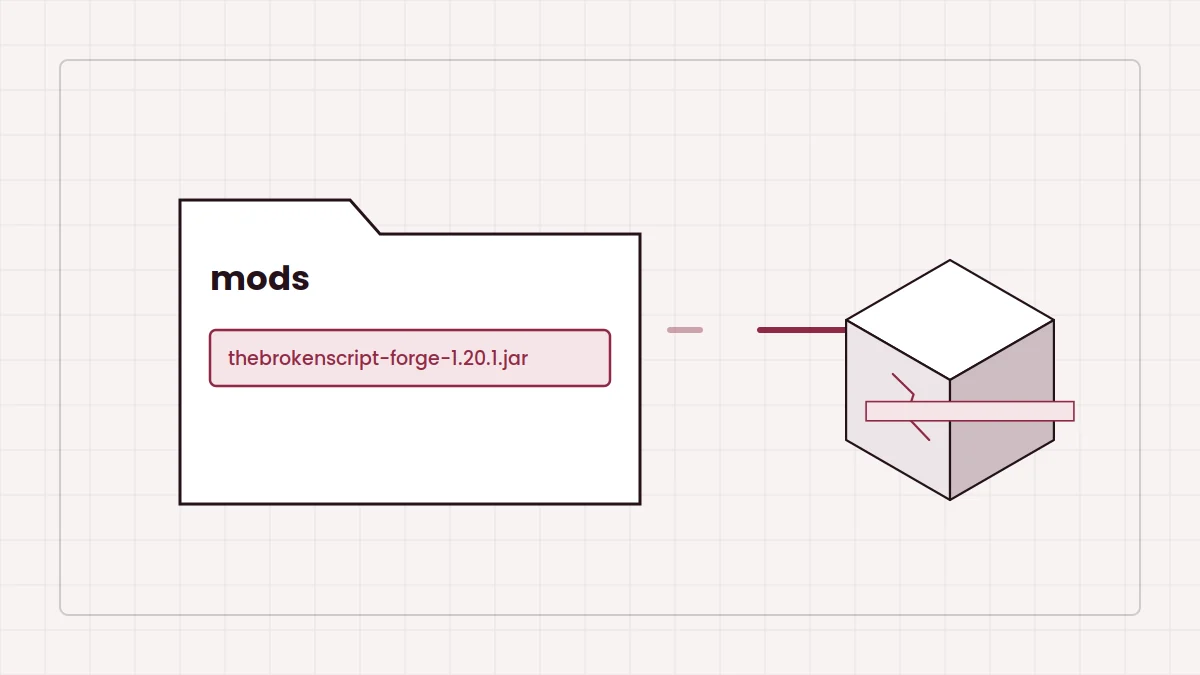
    Copy the .jar into the mods folder. One version only, and never the archive ZIP.

  4. Level 4

    Start the run

    Launch Forge, create a fresh world and set the mod's config before exploring.

Pick your playstyle

The same mod plays very differently depending on how you set it up.

  • Solo

    Blind first run

    Everything on, fresh world, no spoilers. The intended way in.

  • Creator

    Recording or streaming

    Start with features off via the Patches add-on and switch them on as the episode builds.

  • Builder

    Protected world

    Disable block breaking and structures, keep the atmosphere.

  • Packs

    Modpack player

    Several community packs on CurseForge and Modrinth are built around it for Forge 1.20.1.

  • Archivist

    Version explorer

    Replay early builds from the archive and compare how the mod changed.

Compatibility

Built from archived build names and public listings. Search terms are not treated as proof of support.

  • Java Edition + Forge 1.20.1

    Every archived build is labelled forge-1.20.1.

  • Other versions

    Not documented.

  • CurseForge app

    Not in the catalogue for Forge 1.20.1; manual install works.

  • Fabric

    No build. Forge jars do not load on Fabric. Why

  • Bedrock / MCPE

    Java mods cannot run on Bedrock.

Pros and cons

+ Pros

  • Horror built from normal survival, not a fixed map
  • Per-world switches for entities, events, structures and block breaking
  • Older builds stay available through the archive
  • Creator-friendly add-ons such as The Broken Script Patches

− Cons

  • Forge 1.20.1 only, no Fabric, Bedrock or MCPE version
  • Not in the CurseForge catalogue, so installs are manual
  • Can change or damage worlds unless configured
  • Large recent builds need more memory than vanilla

Installation and setup

Your loadout

  • Minecraft: Java Edition 1.20.1
  • Forge for 1.20.1
  • One Broken Script build .jar
  • A backup of your worlds
  1. Install Forge. Run the 1.20.1 installer, choose Install client, then launch the Forge profile once.
  2. Find the mods folder. Windows: %appdata%\.minecraft\mods. macOS: ~/Library/Application Support/minecraft/mods.
  3. Add the jar. Copy it in unchanged. Keep a single version.
  4. Launch and check. The mod should appear in the Mods list. Create a new world.
  5. Set the config. Decide on entities, events, structures and block breaking.

Full walkthrough: installing on Forge 1.20.1 step by step.

Download The Broken Script Mod

This button downloads a community archive of The Broken Script hosted on GitHub, a ZIP of roughly 0.4 MB. Unzip it and open index.html to see the archived Forge 1.20.1 builds, from the v0.71 beta to 1.9.3, each with its size and its own download link.

  • Java Edition
  • Forge
  • Minecraft 1.20.1
Download The Broken Script Mod

Community-maintained archive, not a listing from the mod's developer. Builds marked unsafe show a warning first. Scan files before running them and read the safety notice.

Illustration of an archive folder holding mod builds

Release information

Newest archived build

1.9.3 Forge 1.20.1, 86.1 MB

  • New events
  • New anomaly
  • New structure
  • Bug fixes

Notes as listed in the community archive. Full version history

Every build in the archive

  • 1.9.386.1 MB
  • 1.9.1 patch, unsafe85.9 MB
  • 1.9.1 patch, safe85.9 MB
  • 1.9 even safer86 MB
  • 1.9 safe86 MB
  • 1.986 MB
  • 1.852.3 MB
  • 1.7.341 MB
  • 1.7.240.9 MB
  • 1.7.141 MB
  • 1.741 MB
  • 1.6.239.7 MB
  • 1.6.139.7 MB
  • 1.639.7 MB
  • 1.538.5 MB
  • 1.434.6 MB
  • 1.3.534.8 MB
  • 1.331.5 MB
  • 1.1 fixed28.8 MB
  • 1.0 fix26.8 MB
  • 0.924.8 MB
  • 0.824.6 MB
  • v0.71 beta12.5 MB

Newest Shows a warning before download

Troubleshooting

Game closes while loading

Fix: use Minecraft 1.20.1 with Forge for 1.20.1. Other versions will not load these builds.

Mod missing from the list

Fix: launch the Forge profile and put the build .jar, not the archive ZIP, in that profile's mods folder.

Duplicate mod error

Fix: remove extra copies. Keep one Broken Script jar.

OutOfMemoryError or freezing

Fix: raise the profile's memory, often to around 4 GB.

Your builds keep getting wrecked

Fix: disable entity block breaking in the mod's config.

Nothing happens on Fabric

Fix: it is a Forge mod. Use a separate Forge 1.20.1 instance.

More detail in the crash fixes guide.

Safety notice

A Minecraft mod runs with the same access as the game, and some archived builds of this mod are labelled unsafe by the community archive. Play it smart:

  • Download from sources you trust and scan every jar before the first launch.
  • Use a separate launcher profile and back up your worlds.
  • Skip .exe installers, APKs or “MCPE versions” claiming to be this mod.
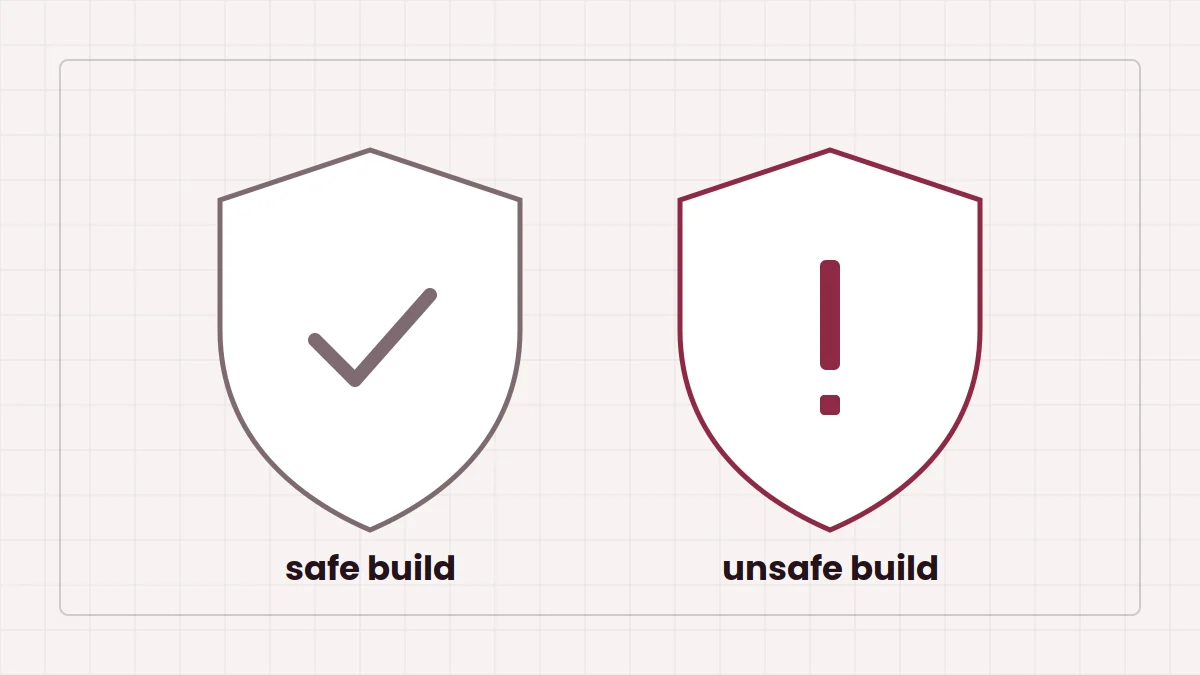
  • Read the safe and unsafe build guide before picking a 1.9 era variant.

FAQ

Versions, downloads and setup

10 questions

It is a horror mod for Minecraft: Java Edition. It adds hostile and unexplained entities, random scripted events, unusual structures and corrupted visual effects to a normal survival world. Most of its behaviour can be switched on or off from an in-game configuration menu.

Every build listed in the community archive is labelled for Minecraft 1.20.1. If you try to load it on another game version, Forge will normally refuse to start or report a version mismatch.

Yes. The archived builds are Forge mods, so you need a Forge installation for Minecraft 1.20.1 before the mod can load.

No Fabric build is listed in the archive, and we have not found one documented elsewhere. A Forge jar placed in a Fabric profile will not load. If you see a file claiming to be a Fabric port, check carefully who made it before running it.

No. It is a Java Edition mod, and Java mods cannot run on Minecraft: Bedrock Edition, which includes the mobile version people often call MCPE. Bedrock add-ons that borrow the name are separate projects.

The CurseForge page of a community add-on for the mod states that the 1.20.1 Forge version of The Broken Script is not available on CurseForge, and points to Modrinth instead. You can still add the jar manually to a Forge 1.20.1 profile in the CurseForge app.

The button downloads a small ZIP of a community archive hosted on GitHub. It contains an index page listing archived builds from the v0.71 beta to 1.9.3, each with its own file size and download link, plus datamined structure files. It is not the mod jar itself.

For most players the newest listed build, thebrokenscript-1.9.3-forge-1.20.1, is the sensible choice. Older builds are mainly useful for comparing versions or replaying an earlier experience. The archive marks some builds as safe, even safer or unsafe, and shows a warning before unsafe ones.

Place the .jar file in the mods folder of your Forge 1.20.1 game directory, then start Minecraft with the Forge profile. Do not unzip the jar and do not drop the archive ZIP into the mods folder.

No. This is an independent reference site. It is not affiliated with the developer of The Broken Script, Mojang Studios or Microsoft, and it does not host the mod files.

Gameplay, safety and settings

10 questions

The archive lists some builds with an unsafe label, including a community patch of 1.9.1 and the plain 1.9 build, and shows a warning before you can download them. The archive does not explain the label in detail, so treat unsafe builds as the most aggressive variants, play them only in a separate instance and back up anything you care about first.

Any jar you download runs code on your computer, so the source matters. Prefer files from places you trust, scan downloads with your security software, keep the mod in its own launcher profile and avoid re-uploads that bundle installers or ask for extra permissions.

Yes. The mod has an in-game configuration menu with options for entity spawning, events, structures and whether entities can break blocks. A community add-on called The Broken Script Patches changes the default values of these options so the mod starts out less destructive.

The Broken Script Patches add-on lists 55 random events and offers a config option for each one. The exact number in your game can differ between versions of the main mod.

It can. The configuration includes an option for entities breaking blocks, which tells you that terrain changes are part of the design. Play in a new world or keep a backup of the save folder before you start.

Technically you can load an existing 1.20.1 world with the mod installed, but structures and world changes are designed around new exploration. Copy the world first so you can return to the untouched version.

Corrupted visuals are part of the mod's atmosphere, and the moon texture is one of them. The Patches add-on even includes an option to bring back the mod's older corrupted moon textures.

Plenty of players record it. If you want more control on camera, The Broken Script Patches was made with content creators in mind and lets you start with entities, events and structures disabled, then enable them as you go.

Recent archived builds are around 86 MB, much larger than early versions. For a Forge 1.20.1 profile with this mod, 4 GB of allocated RAM is a common starting point, rising if you add shaders or other large mods.

Delete the jar from the mods folder. When you reopen a world that was played with the mod, Forge may warn about missing blocks or entities. Their content will be removed from that save, so keep a copy if you might want to go back.