Searches for “The Broken Script mod unsafe version” usually come from players who have seen several near-identical files and want to know which one to trust. The labels come from the community archive, and they are worth understanding before you click anything.
Where the labels appear
In the archive's version list, most builds have plain names such as thebrokenscript-1.8-forge-1.20.1. Around version 1.9 the list splits into variants:
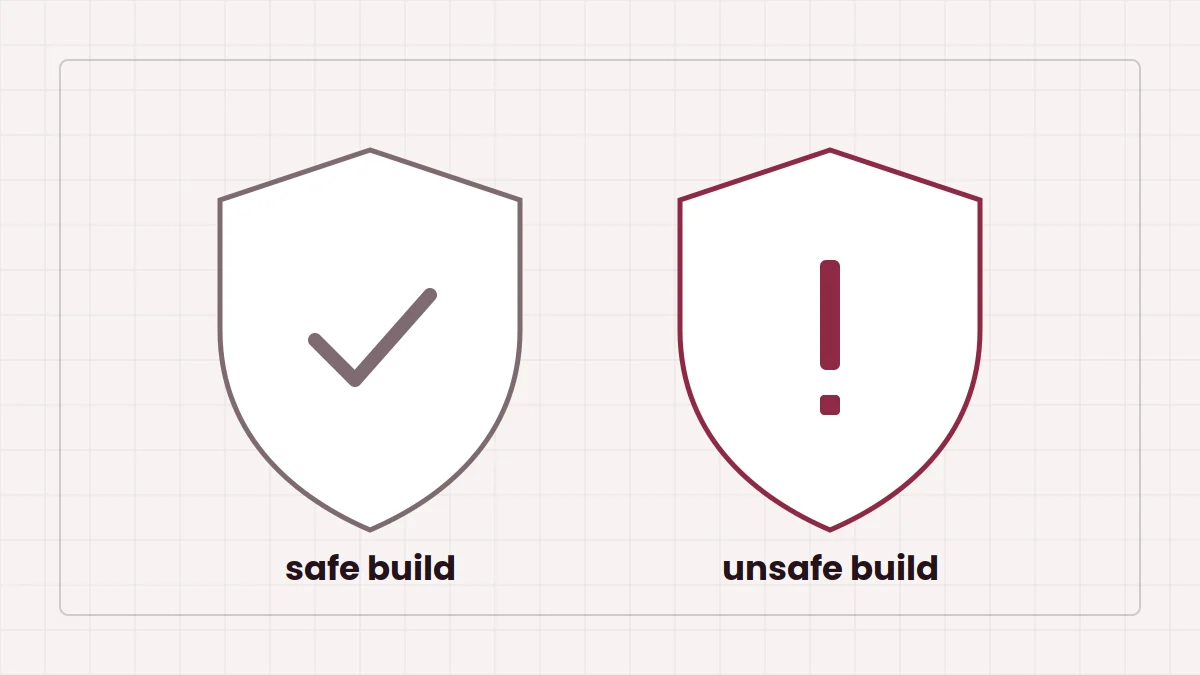
thebrokenscript-1.9-forge-1.20.1, flagged with a warningthebrokenscript-1.9-forge-1.20.1_safethebrokenscript-1.9-forge-1.20.1_even_safer- A community patch of 1.9.1 in both
_safeand_unsafeform, with the unsafe one flagged
When you choose a flagged build, the archive shows a warning dialog and asks you to confirm before the download starts.
What we can say for certain
The archive does not publish a detailed changelog for these variants; several change notes are simply placeholders. So rather than guess at specific behaviour, it is more honest to describe the pattern: the safe and even safer files are the variants intended to be gentler, and the unsafe files are the ones the archive maintainer felt needed a warning. The community patch entries are, by their own name, community-made rather than releases from the original developer.
Horror mods in this genre often play with the boundary between the game and the player, which is exactly the kind of behaviour some people want and others definitely do not. Treat the unsafe label as a real signal.
Choosing between them
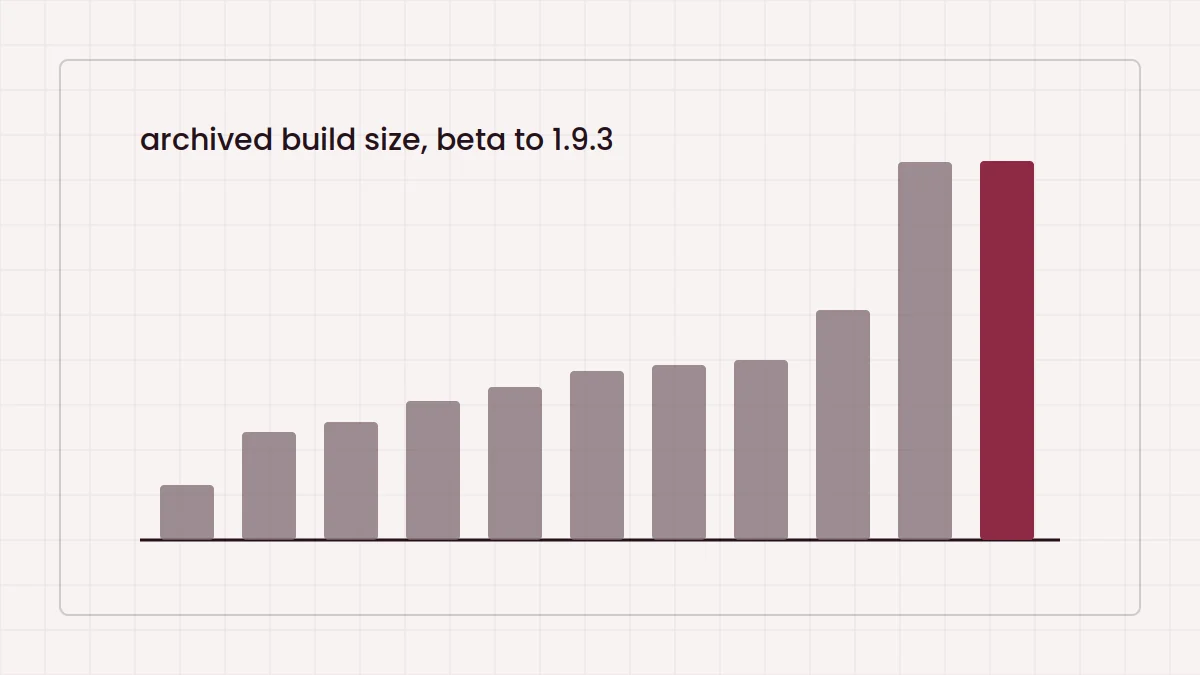
If you simply want to play, start with the newest plain build, 1.9.3, or one of the safe variants if you are on 1.9. Pick an unsafe build only if you specifically want that experience and accept that you cannot fully predict it. The version history guide lists every archived build with its size.
Testing an unsafe build safely
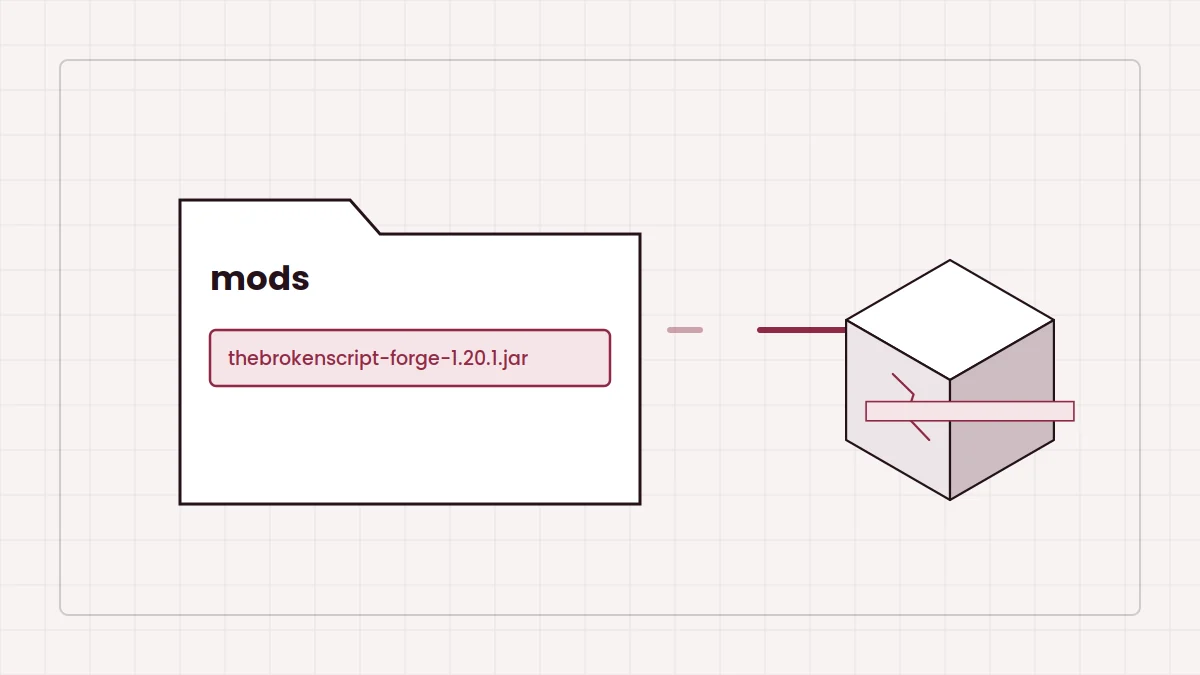
- Create a separate Forge 1.20.1 instance used only for this build.
- Back up your other Minecraft worlds and any folders you care about.
- Scan the downloaded jar with your security software before the first launch.
- Close other programs and save open work before playing.
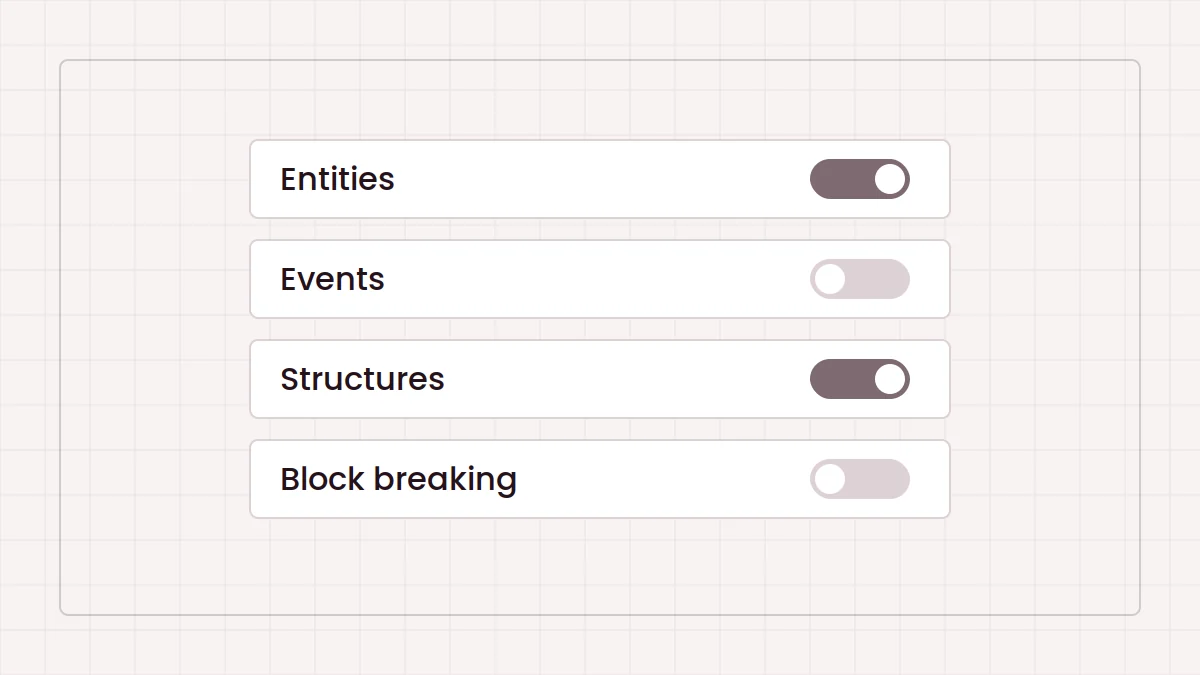
- Use the configuration menu to switch off parts you do not want.
For the full picture of where files come from, see our notes on download sources and CurseForge, or go back to the safety notice on the homepage.