The Broken Script Mod is built for one setup: Minecraft: Java Edition 1.20.1 running Forge. Every build in the community archive carries the forge-1.20.1 label, so the install is straightforward once those two pieces match. This guide walks through it in the order you will actually do it.
Before you start
You need a working copy of Minecraft: Java Edition and permission to install software on your computer. It also helps to decide now whether you want a separate game directory for this mod. A dedicated profile keeps horror-mod saves away from your regular worlds and makes removal painless later.
- Minecraft: Java Edition, launched at least once on version 1.20.1
- A recent Java runtime (the official launcher includes one)
- Roughly 100 MB of free space for the newest build, more for older ones you keep
- A backup of any world you plan to open with the mod
Install Forge for 1.20.1
Download the Forge installer for Minecraft 1.20.1 from the Forge project's own site, run it and choose Install client. The installer adds a Forge profile to the official launcher. Start that profile once without any mods so Forge can finish creating its folders, then close the game.
Using another launcher
Launchers such as Prism or the CurseForge app can create a Forge 1.20.1 instance for you. Pick Forge as the loader and 1.20.1 as the game version. The rest of this guide still applies; only the location of the mods folder changes.
Get the right file
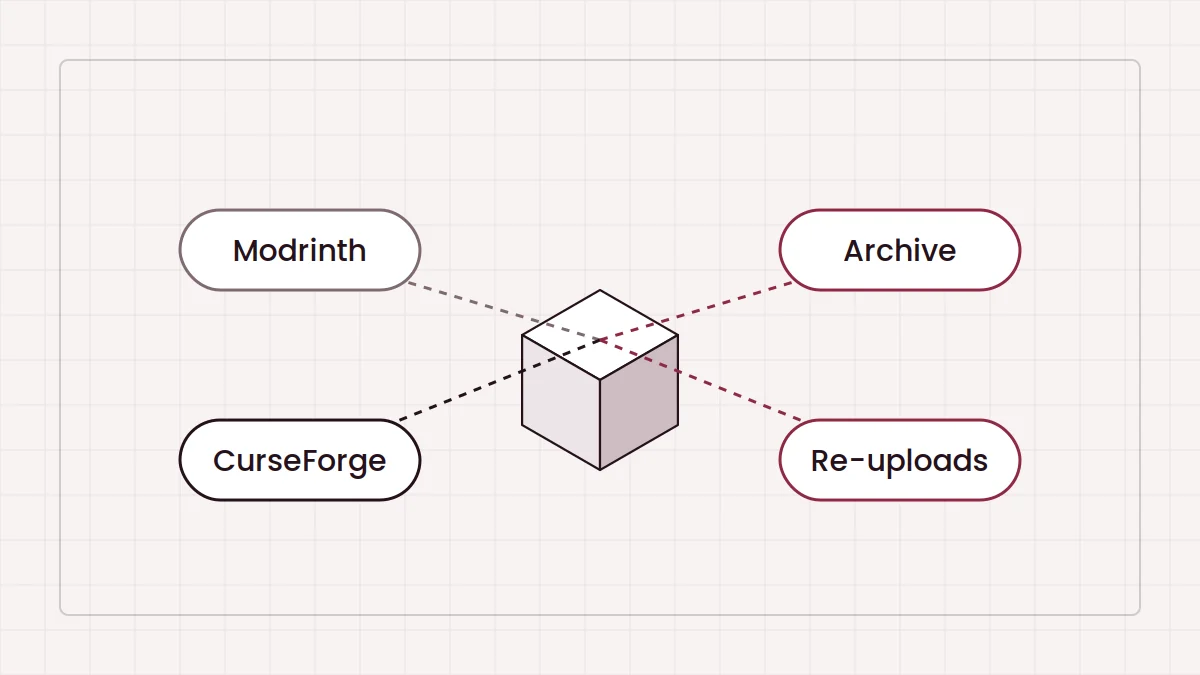
The mod itself is a single .jar file. The download on our homepage gives you a ZIP of a community archive rather than the jar directly. Unzip it, open index.html in your browser and choose a build from the list. For a first playthrough, the newest listed entry, thebrokenscript-1.9.3-forge-1.20.1, is the natural pick. Our guide to the safe and unsafe builds explains the labels you will see beside some versions.
Place the jar in the mods folder
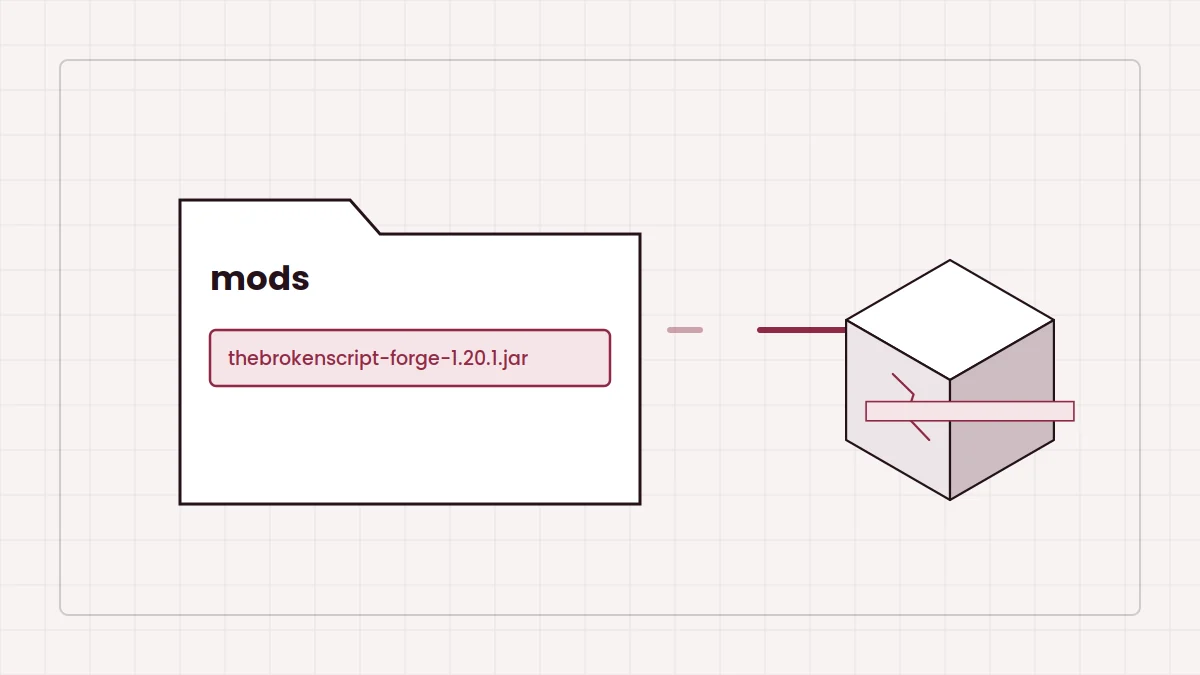
With the official launcher on Windows, the folder is %appdata%\.minecraft\mods. On macOS it is ~/Library/Application Support/minecraft/mods, and on Linux ~/.minecraft/mods. Create the mods folder if it does not exist yet. Copy the jar in as it is. Do not extract it, and do not place the archive ZIP there.
Only one copy
Keep exactly one version of The Broken Script in the folder. Two builds side by side cause duplicate-mod errors at startup.
First launch checklist
- Select the Forge 1.20.1 profile in your launcher.
- Start the game and wait for the loading screen to finish; the first start takes longer.
- Open the Mods list from the title screen and confirm The Broken Script appears.
- Create a new world and look through the mod's configuration before you play far.
If the game closes during loading, the crash fixes guide covers the usual causes. When everything loads, return to the installation summary on the homepage or start tuning with the configuration guide.