Most problems with The Broken Script Mod come from the same handful of setup mistakes. Work through these in order and you will usually find the cause in a few minutes.
Read the log first
When Forge fails, it writes details to logs/latest.log and, after a crash, to a file in crash-reports. Open the newest one and look near the top for lines mentioning a mod ID, a missing dependency or a Minecraft version. Those lines usually name the problem directly.
Version mismatch
Symptom: Forge reports that the mod requires a different Minecraft version, or the game closes during loading.
Fix: make sure the profile is Minecraft 1.20.1 with Forge for 1.20.1. A jar built for 1.20.1 will not load on 1.20.4, 1.21 or 1.19.2.
The mod does not appear
Symptom: the game starts, but The Broken Script is missing from the Mods list.
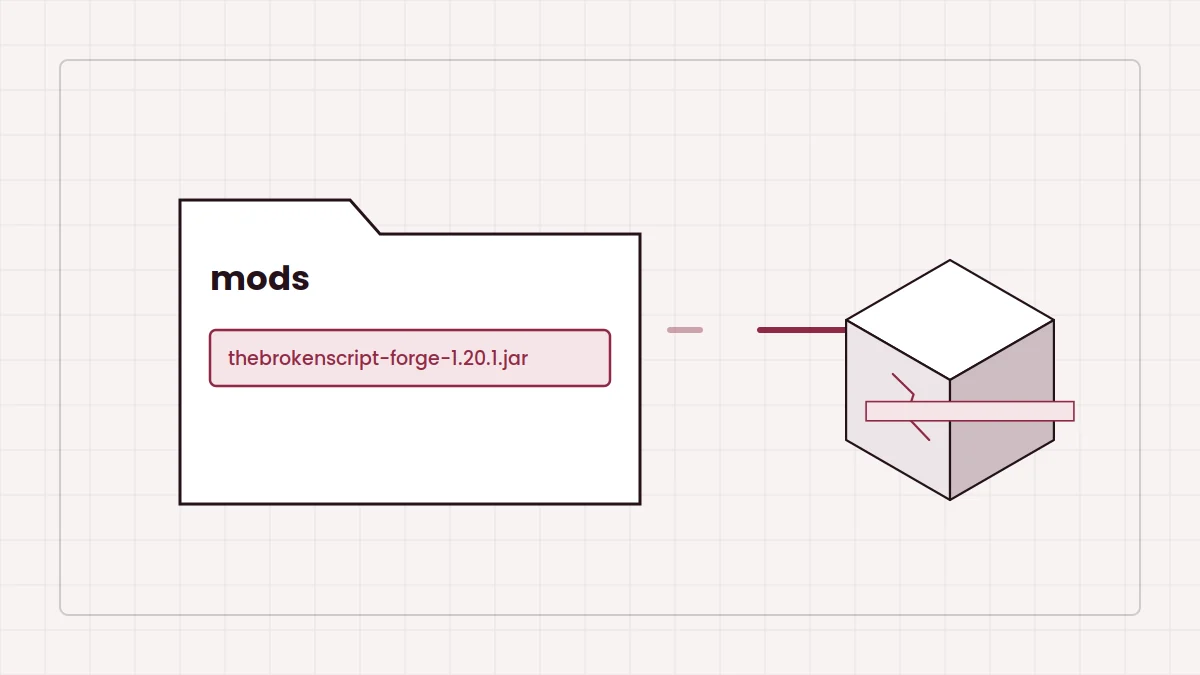
- You may be launching the vanilla profile instead of the Forge one.
- The jar may sit in the wrong
modsfolder, for example the default one when your launcher uses a separate instance directory. - You may have copied the community archive ZIP instead of an actual build jar. Open the archive's
index.htmland download a build from there. - The jar may have been extracted into a folder. Use the jar file as downloaded.
Duplicate or conflicting mods
Symptom: an error about duplicate mods or a mod ID loaded twice.
Fix: keep one Broken Script jar only. If you use the Patches add-on, make sure it matches a Forge 1.20.1 build of the main mod. When another mod conflicts, remove mods in halves until the crash stops, then add them back to find the culprit.
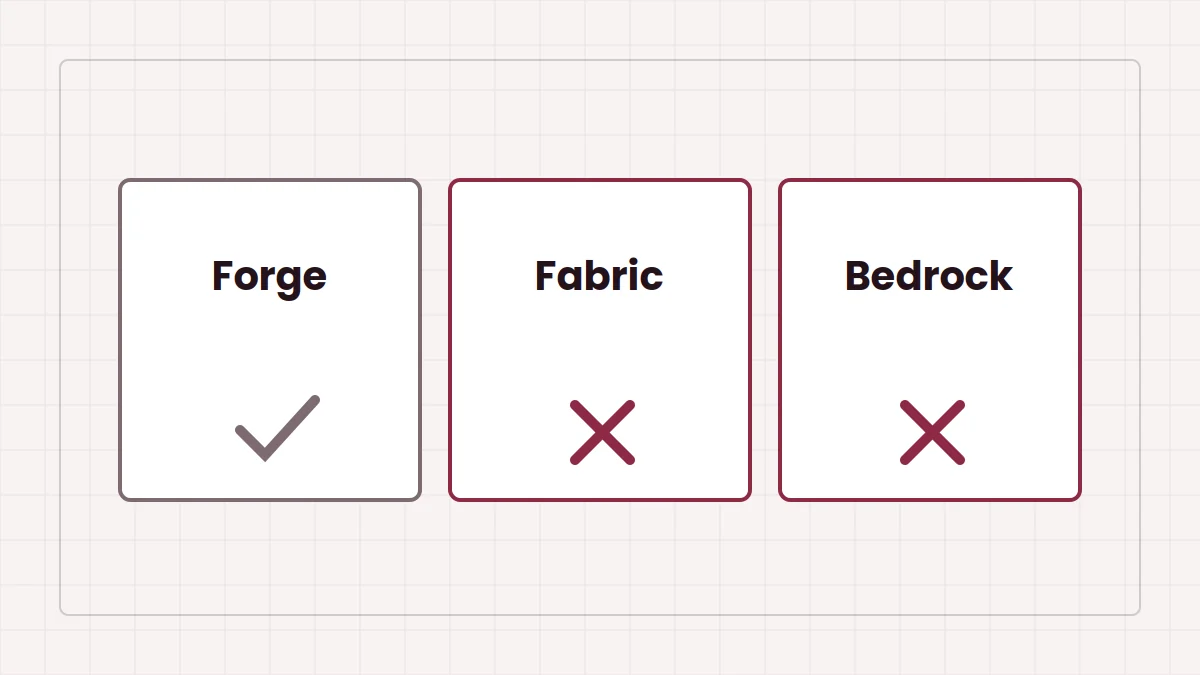
Fabric jars in a Forge profile
Fabric mods in a Forge mods folder can also stop the game from loading. Keep loaders separate; our Fabric and MCPE guide explains why.
Out of memory
Symptom: the log mentions OutOfMemoryError, or the game freezes while loading worlds.
Fix: raise the memory allocated to the profile. The performance settings guide shows where to change it.
Crashes in a specific world
If new worlds work but one save crashes, the save may have been created with another build or mod list. Test with a fresh world, and keep the original save backed up rather than repeatedly loading it. The troubleshooting table on the homepage summarises these fixes.