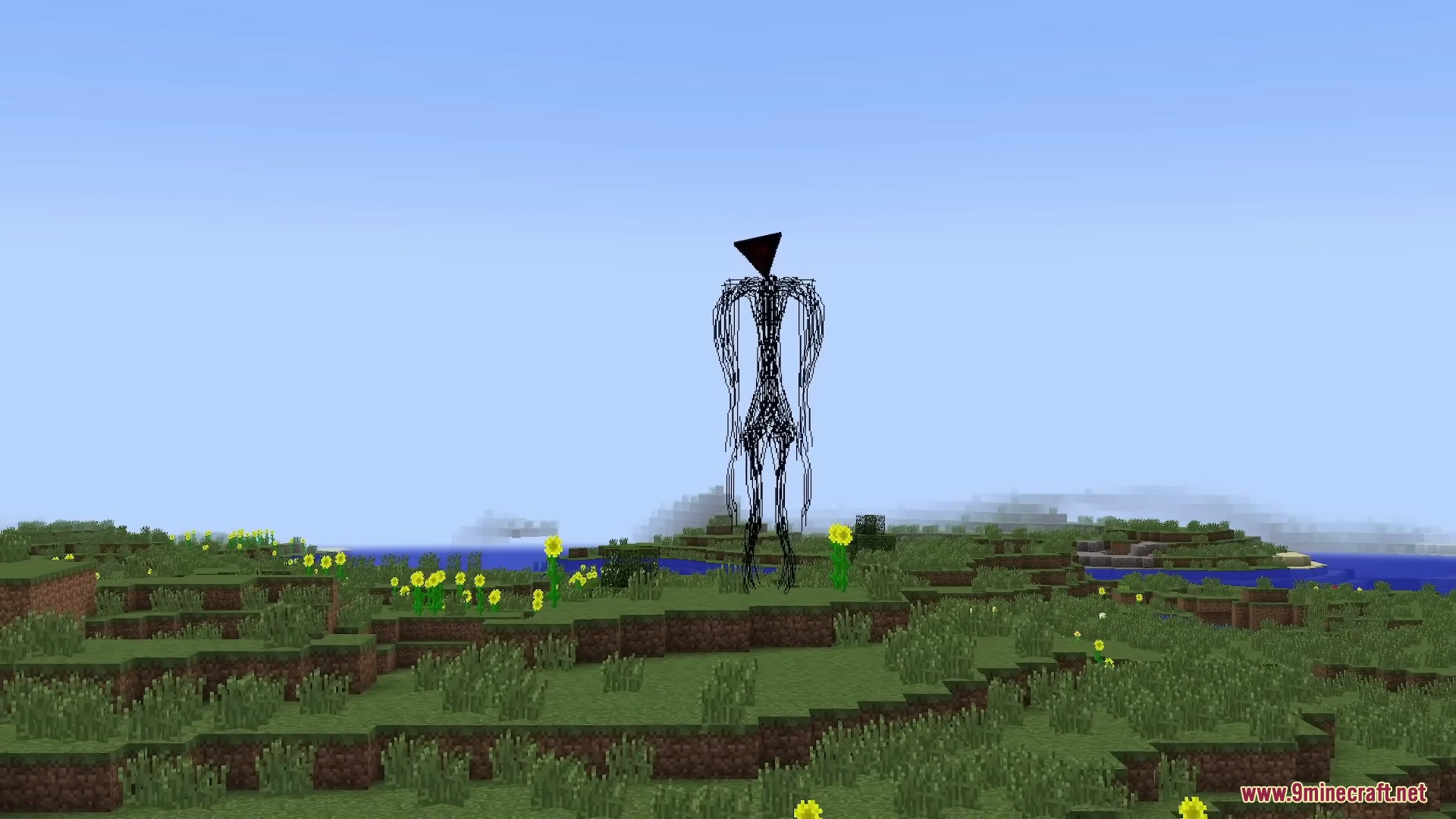
Searches for The Broken Script mod 1.20 1 Forge usually come from players trying to match an archived build with the correct Minecraft and loader versions. The safest approach is to treat the game version, loader version and mod file as one matched set.
Match all three version layers
Start by confirming Minecraft 1.20.1, the Forge branch required by the build, and the exact mod file you intend to test. A mismatch in any one layer can cause startup errors or missing dependencies.
Use a separate profile
Create a dedicated launcher profile and keep unrelated mods out of it during the first launch. This makes the latest log easier to interpret and prevents a shader or utility mod from looking like a Broken Script failure.
Protect your world before testing
Create a new world or back up an existing save outside the active profile. This mod is designed around unsettling and sometimes destructive behavior, so testing on a disposable copy is the better default.
What to do after a successful launch
Once the clean profile starts correctly, add performance mods, resource packs or other extras one at a time. If a later change breaks the profile, you immediately know which layer introduced the conflict.