The Broken Script Mod has a strong presence in Minecraft horror videos. A good recording depends less on luck than on preparation: a clean instance, predictable settings and a plan for when the mod's events should start.
Prepare a recording instance
Use a dedicated Forge 1.20.1 instance with only the mods you intend to show. Fewer mods mean fewer crashes mid-take and an easier time explaining your setup to viewers. Run a short test world first to check performance, then delete it so your real recording starts fresh.
Pacing the scares
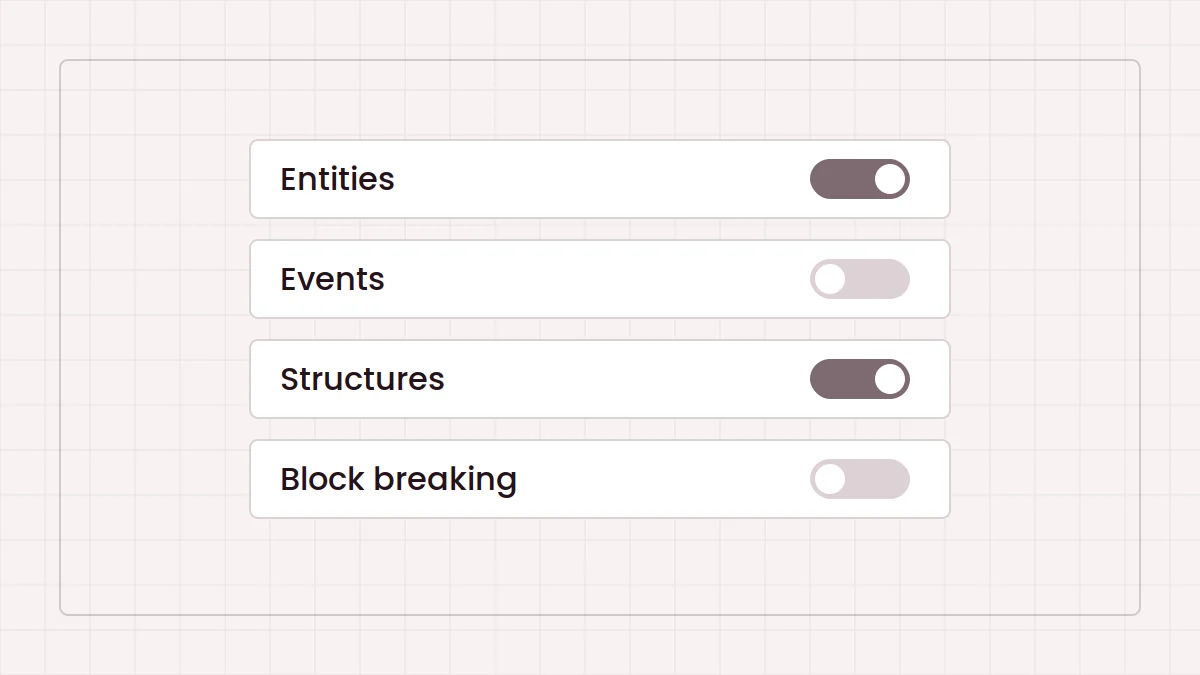
An episode where everything happens in the first ten minutes is hard to follow. The mod's configuration lets you turn entities, events and structures on as the session progresses. Many creators keep block breaking off while they build a base, then enable it once the story calls for it.
Using the Patches add-on
The Broken Script Patches was made with creators in mind. It starts the mod with entities, events, structures and block breaking disabled by default, and adds individual switches for each of the 55 random events it lists. You keep full control from the original config menu. The configuration guide covers both in detail.
Audio and capture
- Record game audio on its own track so you can balance your voice against sound cues later.
- Leave some headroom on game volume; sudden sounds clip easily.
- Check that your capture software keeps up with the mod's visual effects before a long session.
- Close unrelated programs to protect frame rate.
Spoilers and audiences
Part of the appeal is discovering things unprepared. If you cover datamined content or specific events, say so early so viewers can choose. For audience questions about where to get the mod, point them to the download sources guide rather than an unknown re-upload, and for technical setup to our installation section.