The Broken Script Mod is designed to be unpredictable, but it does not have to be all or nothing. Its configuration lets you decide how much of the mod is active, which is useful for first-time players, streamers and anyone protecting a long-running world.
The in-game config menu
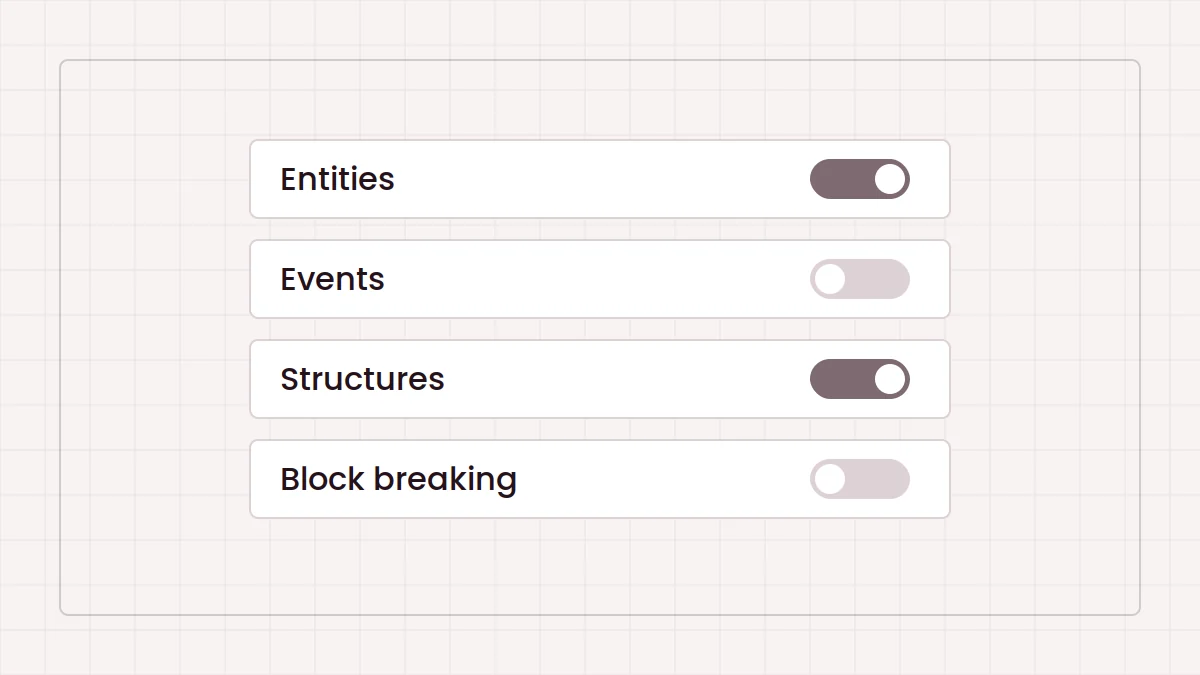
The mod includes an in-game configuration menu, which the community Patches add-on refers to through the /tbs_config command. Changes there apply to the world you are playing. Open it soon after creating a world, before the mod has had time to surprise you.
The main switches
According to the Patches add-on's documentation, the mod's config covers these broad areas:
- Entity spawning: whether the mod's entities appear at all.
- Events: whether scripted random events can trigger.
- Structures: whether the mod's structures generate.
- Block breaking: whether entities may break blocks in your world.
Turning off block breaking is the simplest way to protect builds while keeping the atmosphere.
Random events
Events are a core part of the experience. The Patches add-on lists 55 random events and adds a config option for each one, so you can remove a specific event that annoys you rather than disabling events entirely. Version differences mean your own count may vary.
The Patches add-on
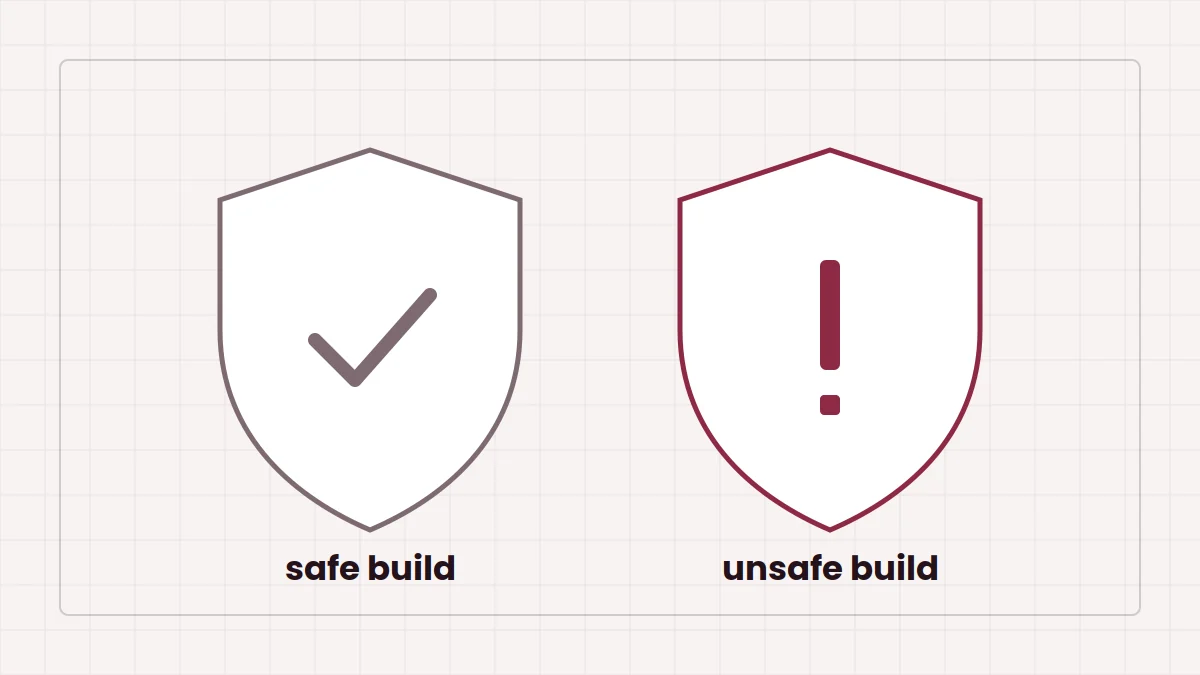
The Broken Script Patches is a separate community mod for the Forge 1.20.1 version. It says it contains none of the original mod's code or assets. Its main change is to the default values: entities, events, structures and block breaking all start disabled, so you opt in instead of out. The original menu still works, and you can switch everything back on. It also offers an option to use the mod's older corrupted moon textures.
Sensible starting setups
First playthrough
Leave everything on, but disable block breaking if you care about your base.
Protected long-term world
Disable block breaking and structures, then enable individual events you enjoy.
Recording session
Start with everything off and enable features on camera. Our content creator guide goes further. The feature chapters on the homepage describe each system in more depth.